

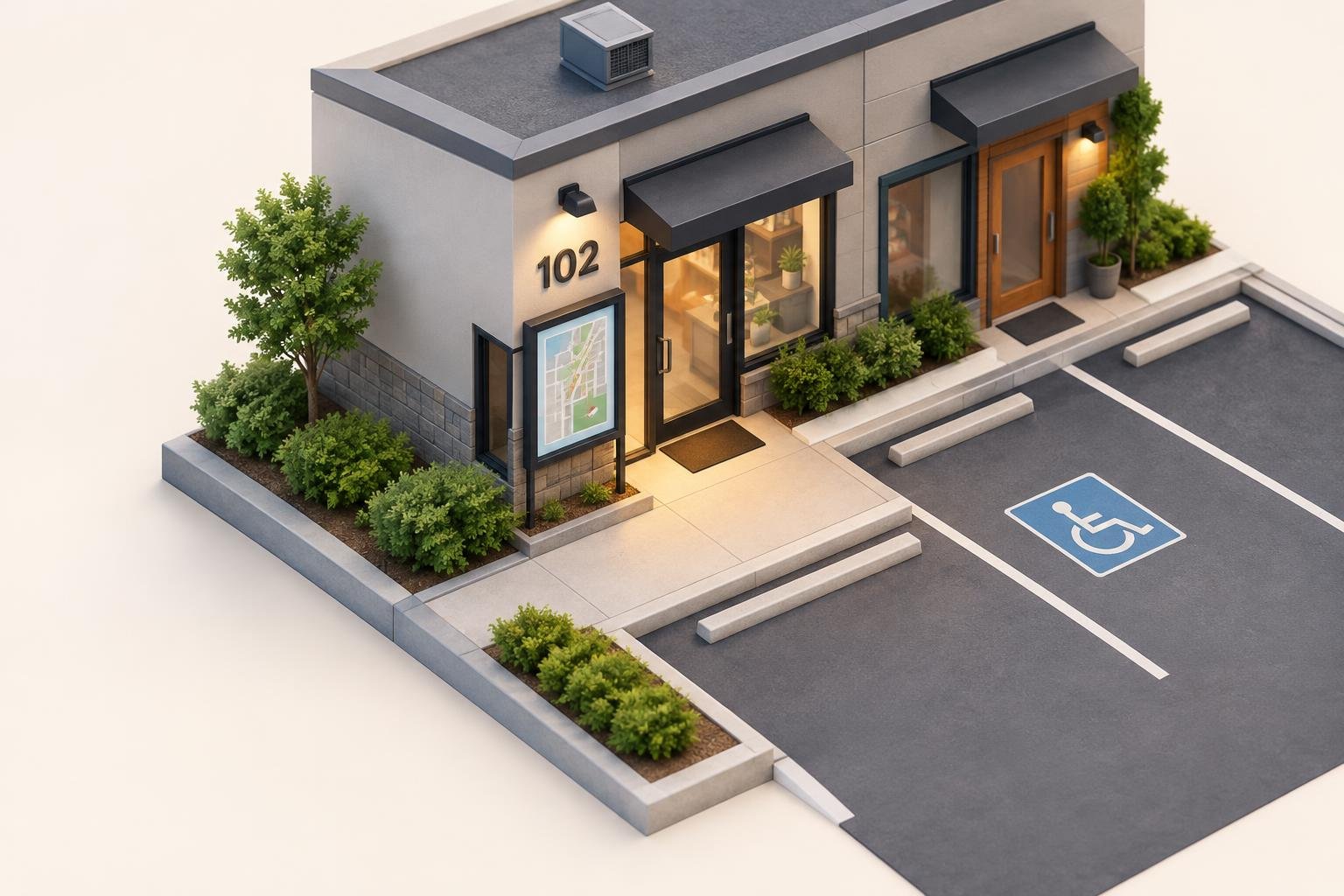
Customers may find your business in search and still hesitate if they are unsure how to reach the door. A street address alone may not answer practical questions: Where should I park? Is the entrance on the main road? Which bus stop is closest? Can I get in without using stairs?
Clear local business directions help turn online discovery into an in-person visit. A useful directions page combines an accurate address with the details people need for the final part of their trip. It should be easy to find on a phone, consistent with your online listings, and specific to your location.
What a local business directions page should include
Your directions page does not need to be elaborate. It needs to answer the questions a customer is likely to ask before leaving home. Start with the essentials, then add details that distinguish your location from nearby businesses.
- Full address: Use the business name, street address, city, state, and ZIP code. Make sure the wording matches the address you use on your business listings.
- Map and directions link: Add a map or a clearly labeled link that lets visitors open directions in a mapping app. Check that it points to your actual entrance or customer parking area.
- Parking information: Explain where customers can park, whether parking is free or paid, and which entrance to use from the lot.
- Arrival details: Mention a side entrance, suite number, shared building, gate, or other feature that could make the location hard to recognize.
- Transit and walking guidance: If relevant, name a nearby transit stop or explain the walking route from a recognizable corner or landmark.
- Accessibility information: Describe the route to the entrance, step-free access, elevator availability, or other practical details you can verify.
Only include information you can keep accurate. If parking rules change by time of day, state that clearly. If your business operates from a suite inside a larger building, identify the suite and explain where to check in.
Write directions for the last few minutes of the trip
Mapping apps usually handle the broad route. Your page is most helpful when it covers what happens after someone gets close. Think about the moment a first-time customer reaches your block, parking lot, or building entrance.
Use plain language and observable details. For example, explain that the entrance faces a particular street, sits beside a named neighboring business, or is reached through the courtyard. Avoid relying on descriptions that only make sense to regulars, such as “come around the back” without saying which side or where to turn.
Walk or drive the route yourself and note where a visitor might become uncertain. Look for:
- More than one entrance to the property
- A building number that is difficult to see from the road
- A parking lot shared with other businesses
- A one-way street or turn that is easy to miss
- A reception desk, call box, or gate customers need to use
- Construction, landscaping, or signs that affect how the entrance appears
Then write a short set of directions that resolves the most likely confusion. A few precise sentences are more useful than a long paragraph listing every nearby shop.
Make your location details easy to find on mobile
Many people check directions while they are already on the move. Put your address and map link somewhere visitors can locate quickly, such as a dedicated location page linked from the main navigation and footer. If you have a single storefront, a clear “Location” or “Visit Us” link is usually enough. For multiple locations, give each branch its own section or page with its own address and arrival details.
Keep the page readable on a small screen. Use short paragraphs, descriptive headings, and a map link that is easy to tap. Put the address near the top rather than hiding it beneath a long business story. Make sure the phone number, hours, and directions link are visible without forcing visitors to search through unrelated content.
It also helps to make your site structure intuitive. If customers struggle to locate your address or other key information, review your website navigation for local businesses and make the location page easier to reach.
Keep your website and listings in sync
Customers may encounter your address on your website, a business profile, a directory, or a social media page. Differences between those sources can create doubt or send people to the wrong place. Check that your business name, address, phone number, and hours match wherever you maintain a listing.
Be especially careful after moving, changing suite numbers, or updating your entrance. Correcting the website alone may not fix an old address on a directory or map service. Make a simple list of the places where your business appears, then review those listings when location details change. This is one reason consistent local business listings matter to both customers and local visibility.
If you serve customers at more than one address, make the distinctions explicit. Label each location with its neighborhood or service name, show the correct hours and phone number, and link to directions for that branch. Avoid presenting one general map that leaves visitors guessing which location they selected.
Use maps and photos as practical aids
A map can help visitors orient themselves, but it should support the written address rather than replace it. Make sure the map pin is accurate and that a customer can open a larger map or navigation app. Test the link on a phone, not just a desktop computer. Confirm it opens the correct location and does not point to a nearby intersection or the wrong side of a large property.
A location photo can answer questions that a map cannot. Consider a clear image of the storefront, building entrance, parking area, or sign that customers should look for. Choose a photo that reflects what visitors will see when they arrive. If the entrance is around the side of the building, show that route or explain it in text. Add descriptive alt text so people using assistive technology can understand the image’s purpose.
Do not make essential arrival information available only in an image. Keep the address, access details, and directions in readable page text as well.
Explain accessibility and special arrival instructions honestly
Accurate access information helps customers decide whether your location will work for them and what to expect. Describe the path from the sidewalk or parking area to the entrance, including steps, ramps, doors, elevators, or check-in procedures when relevant. Be specific about what you have confirmed, and avoid broad promises if you have not checked the route yourself.
If a customer needs to call ahead for access, say who to contact and what they should expect. If a temporary obstacle affects entry, update the page promptly. Clear information is more useful than a vague statement that the business is accessible.
Also explain any arrival instructions that could surprise a first-time visitor. For example, customers might need to use an intercom, check in at a reception desk, or enter through a shared lobby. Keep those details near the directions so visitors do not have to search for them.
Test the page as a first-time visitor
Once the page is live, try using it without relying on your familiarity with the area. Open it on a phone, follow the map link, and check whether the written directions make sense as you approach. If possible, ask someone who has not visited before to find the entrance using only the page.
Use this quick review checklist:
- Can a visitor find the location page in a few taps?
- Does the address match your current business listings?
- Does the map pin lead to the right place?
- Are parking, entrance, and check-in details clear?
- Can visitors read and use the page comfortably on a phone?
- Are accessibility details accurate and specific?
- Do any photos show the current entrance and surroundings?
Review the information whenever your address, access route, parking arrangements, or building signage changes. A well-maintained directions page gives customers fewer reasons to hesitate and makes the final step of visiting your business easier.