

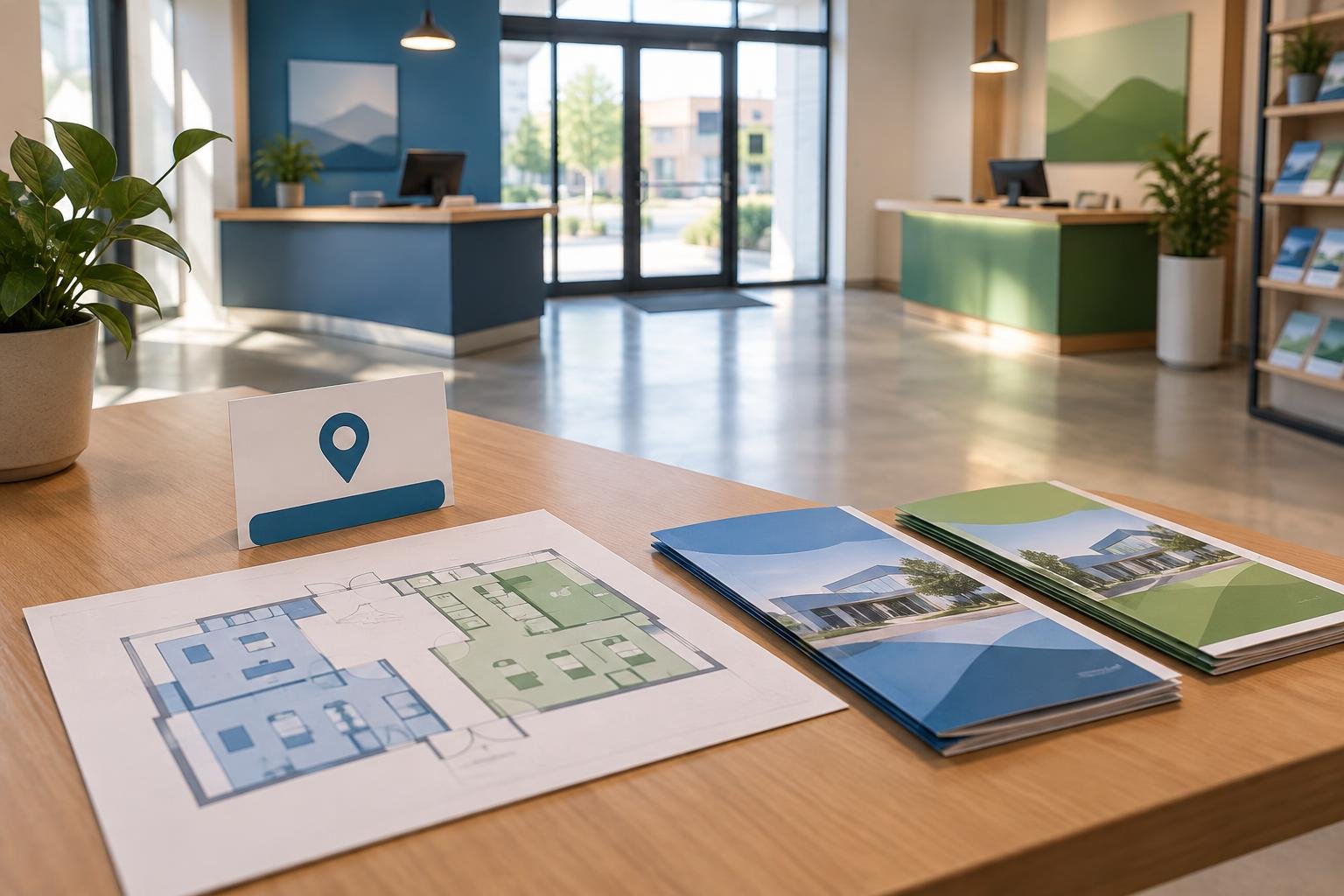
When a business serves customers from more than one location, one general contact page can leave people guessing. They may need to know which branch has the service they want, where to park, or which number to call. Well-planned local landing pages answer those questions for each location without making visitors sort through information meant for another area.
These pages can also help search engines understand where your business operates. But creating a page for every town you hope to reach is not the same as building useful location pages. Each page should represent a real place or a distinct, genuinely served area, and it should give visitors a reason to use that page instead of a generic template.
What local landing pages should accomplish
A location page is a focused webpage for one of your business’s actual branches, offices, or customer-facing premises. It should help a visitor quickly answer three questions:
- Is this the right location? Make the branch name, address or service area, and available services clear.
- Can I get what I need here? Explain which services, products, staff, or facilities are available at this location.
- What should I do next? Provide a relevant way to call, request information, book, or visit.
For example, a home-improvement company with two showrooms might use a page for each showroom. One could explain that customers can view flooring samples and meet with a design specialist there. The other might highlight its kitchen displays and consultation availability. Both pages belong to the same business, but the details help customers choose the right one.
If you operate from one address and travel to customers, do not create pages that imply you have storefronts in places where you have none. Explain your real service area and how customers are served. A dedicated guide to service-area business SEO can help clarify that setup.
Plan the information before building each page
Start with an accurate location inventory. For every branch, gather the details customers need and confirm them with the staff who work there. A simple spreadsheet can help you spot missing information and keep changes organized.
Consider recording:
- Public-facing location name and full address, if customers visit in person
- Local phone number or the best contact method for that branch
- Opening hours and any differences from the company’s usual schedule
- Services, products, or appointments available at that location
- Accessibility details, parking instructions, and entrance information
- Nearby landmarks or useful arrival guidance
- Photos that accurately show the premises, staff, or work customers can expect
- Any location-specific policies, such as walk-ins, pickup, or consultation arrangements
Do not publish details just because a template has a field for them. If a branch does not offer a particular service, say so where that distinction matters, or leave the service off that page. Accurate information is more useful than a long list that applies only to some locations.
How to create local landing pages that feel distinct
It is fine to use the same page structure across branches. Consistent layouts help visitors find the address, services, and contact options in familiar places. The important difference is the information inside the structure.
Write for the specific customer and place
Open with a plain description of what the location does and who it serves. Mention the neighborhood or city naturally, but do not repeat place names to force a ranking signal. A useful opening might explain that a particular clinic offers routine and urgent appointments at its downtown office, then state how to request an appointment.
Include details that would help someone choose that branch. These may include the types of appointments available, a product selection, the staff’s relevant expertise, or whether customers can bring a particular item for repair. Only make claims the business can confirm.
Explain practical visit details
For a public location, give people a realistic picture of arriving and getting help. Tell them where the entrance is, whether the building has accessible entry, and where customer parking is available if those details are known. If a visitor needs an appointment, make that clear before they travel.
Keep directions concise and connect them to a reliable map or directions option. Avoid vague claims such as “easy to find” when a specific landmark or entrance instruction would be more helpful.
Use location-specific photos and proof
Show the actual branch when possible: its entrance, interior, product displays, or a service in progress. A generic company image repeated on every page may look polished, but it does not help a visitor recognize the right place. Make sure images are current and do not reveal private customer information.
If you include reviews or customer feedback, use material that is relevant to the business and presented accurately. Never imply that a review refers to a particular branch unless you can verify that it does.
Give each page a clear next step
A location page should make the next action easy to understand. Choose the action that fits how customers use that branch, such as calling, booking, requesting an estimate, or checking product availability. Avoid filling the page with several competing buttons that all lead to the same general contact form.
If a form serves multiple locations, ask visitors to select the branch they need. Better still, preselect the location when someone submits a form from that branch’s page, while still allowing them to change it. This reduces the chance that an inquiry is routed to the wrong team.
Make phone numbers and booking links specific to the location whenever possible. If one central team handles all calls, explain that clearly rather than implying that each branch has a separate phone line. For more ideas on making site structure easier to use, see this guide to local business website navigation.
Organize the pages so visitors and search engines can find them
Link to every location page from a central locations page or a clearly labeled section of your site. Visitors should not have to rely on a search engine to find the branch they need. If there are only a few locations, a simple list may be enough. For many branches, group them by region or let people choose a city before viewing the relevant details.
Use a clear page title and heading that identify the location and the business. Keep the URL readable and consistent, such as a business name followed by the city or neighborhood. Avoid creating several URLs for the same branch unless there is a real reason to maintain distinct pages.
Check that your location details match the information on your business listings and other important site pages. Differences in names, addresses, phone numbers, or hours can confuse customers. Assign someone to update the website when a branch moves, changes its schedule, or stops offering a service.
Avoid thin or misleading location pages
Pages become unhelpful when they differ only by a town name. A collection of nearly identical pages with no location-specific information gives visitors little value and may make the site feel designed for search engines rather than customers.
Before publishing a page, ask:
- Does this page represent a real branch or a service area the business genuinely serves?
- Can I explain what is specifically available at this location?
- Would a customer learn something useful here that is not already clear on the main contact page?
- Is every address, service, phone number, and visit detail accurate?
If the answers are mostly no, a single service-area page or a well-organized locations page may serve visitors better than another standalone page. Do not create multiple pages for nearby neighborhoods just to target slightly different search phrases.
Review performance and keep pages current
After publishing, check whether people can reach the page from your site and whether the contact options work on a phone. Ask staff whether inquiries are arriving for the right branch and whether customers still ask questions the page should answer. Those conversations can reveal missing details more quickly than changing copy based on guesswork.
Track useful actions by location, such as calls, appointment requests, or form submissions. Compare pages over time, but interpret the results in context: a branch may have different hours, demand, or services. Use the findings to improve the page’s clarity and routing, not just to chase more visits. For a practical approach to measuring relevant local activity, see local SEO tracking.
Set a reminder to review each page whenever a location changes and at regular intervals. Confirm the contact details, hours, services, photos, and links. A small, accurate set of location pages is more useful than a larger collection that no one maintains.